
Before You Start
- Register / Login to sandbox or production.
👉 Register a Merchant Account on Sandbox
👉 Login to Sandbox
👉 Register a Merchant Account on Production
👉 Login to Production
- If you would like apple pay and google pay enabled on your account, you must reach out to the Approvely team and request this.
- Configure webhooks
- Select Version 3 webhooks
- See this doc to learn which webhook events to listen to
- Note: Make sure to save this securely as you will not be able to view it again after creation
-
- This step is essential to receive earnings from any purchases made, and will allow you to withdraw these funds.
📘How to Setup Settlement Settings
- Go to Settings > Earnings Settlement Settings. By default, Approvely Wallet will be selected for new Merchants.
- Under Approvely Wallet (recommended) > Select Initialize Wallet
- Complete 2FA.
- Navigate to Withdrawals > Withdraw Funds.
How to set up your settlement settings (step 1-2)
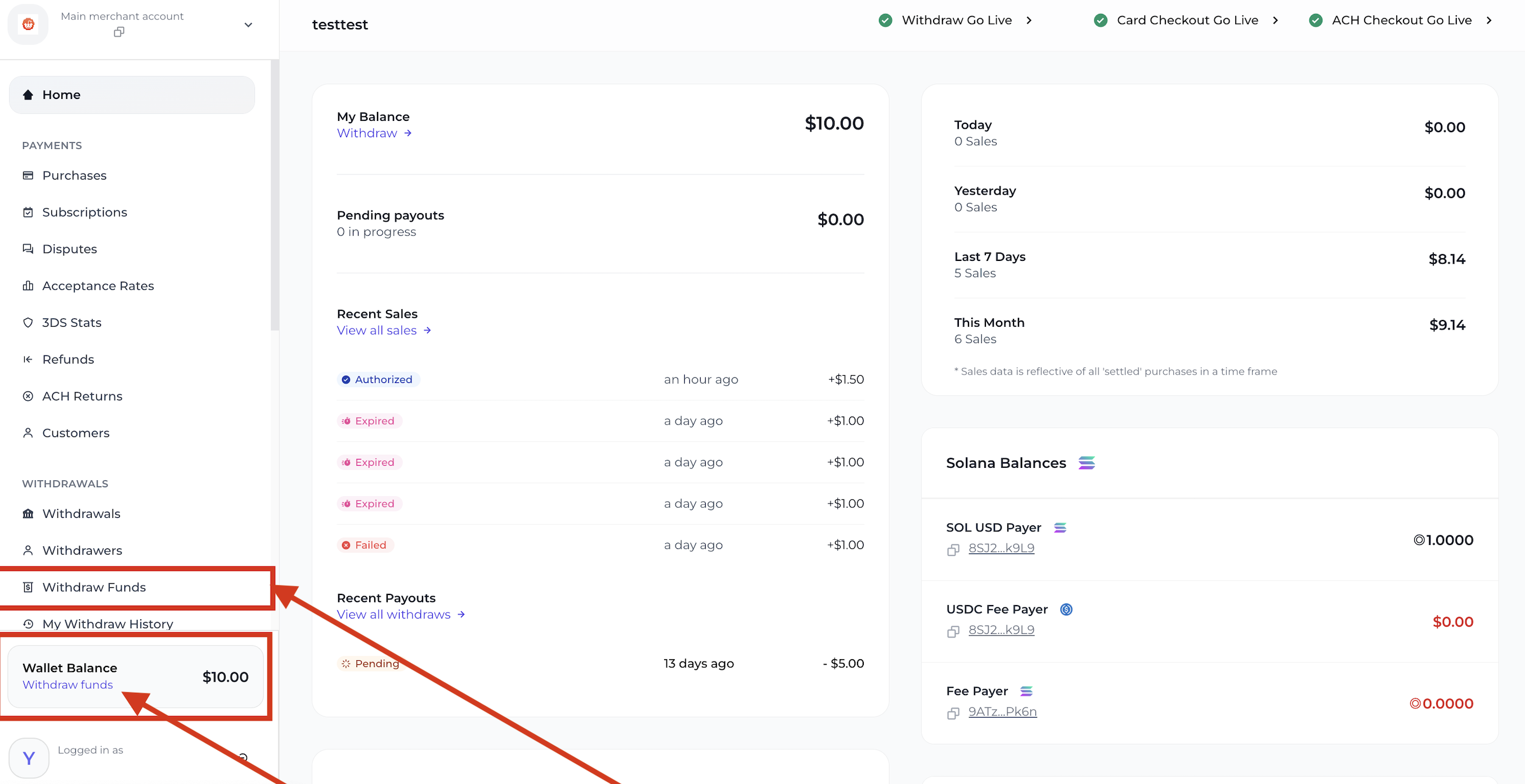
Where to Withdraw Funds (Steps 3-4)
Updated 12 months ago
Did this page help you?