
🔐 2FA (Two-Factor Authentication)
Learn about how to set up 2FA to access your merchant account.
Why 2FA?
Approvely uses Two-Factor Authentication (2FA) to improve security when logging into your merchant dashboard. With 2FA enabled:
- All actions in the dashboard are trackable via audit logs.
- Each user logs in with a unique email, password, and a 2FA code.
- The 2FA code is sent to the email address used during login.
Merchants with Existing Accounts
Adding Team Members
Merchant account owners can invite teammates to access the merchant account:
- Navigate to Settings > Users & Roles > Add User.
- Enter their email and set their role.
- They will receive an email titled 'Approvely Authentication Setup'.
- They need to click 'Setup Approvely Account'.
- Using Google Authenticator or 1Password, they scan the QR code.
- They create and confirm a new password and enter the generated 2FA code.
- Click 'Authenticate'.
- They must use their email, password, and 2FA code for future logins.
How Teammates Can Access an Existing Merchant Account
If a teammate has already been added to a merchant account, they can follow the below steps to gain access to the account:
- Go to the login page.
- Enter your registered email.
- Click 'Reset password & 2FA code'.
- Check your email for instructions from
[email protected]. - Follow the instructions to set up 2FA and update your password.
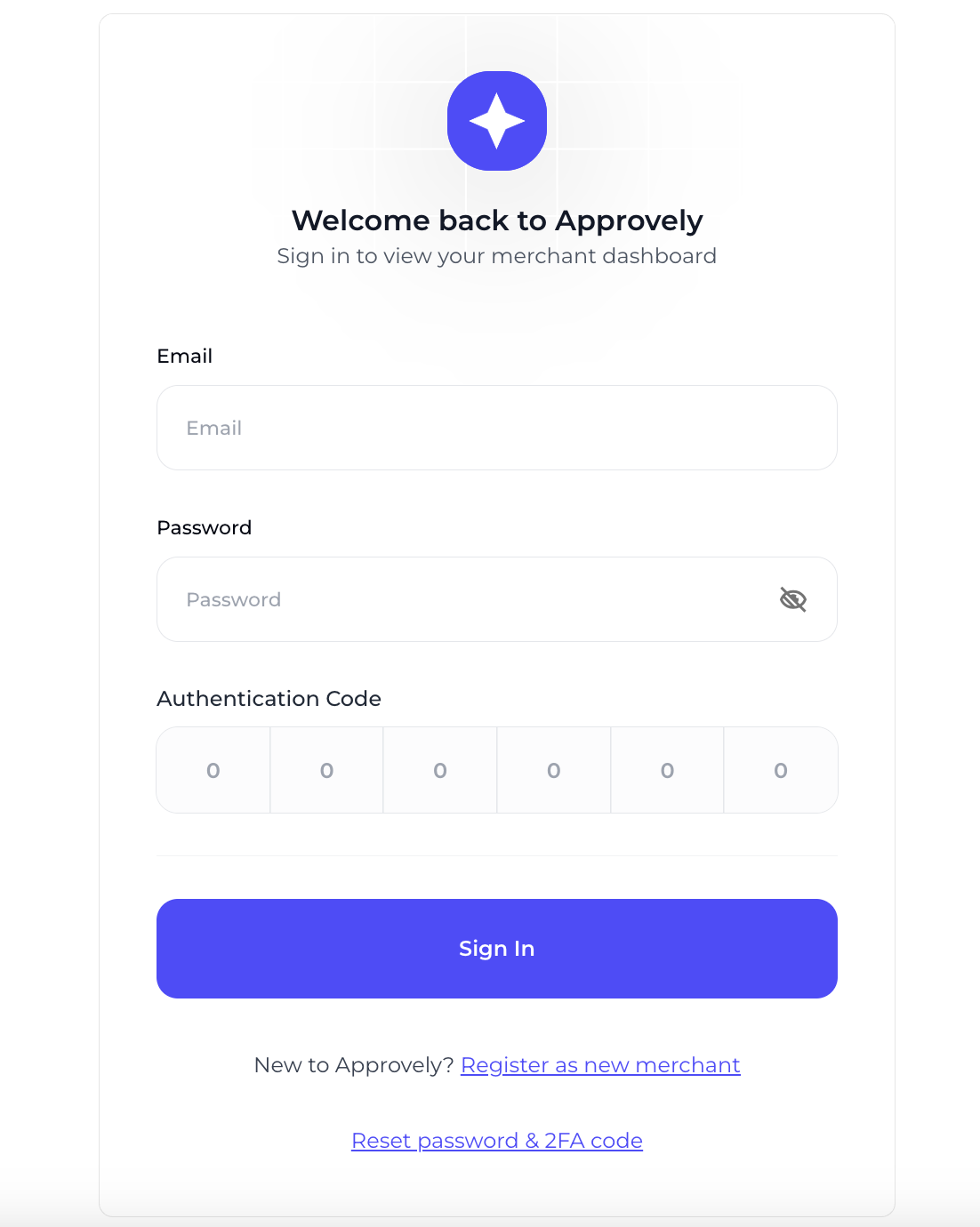
How teammates can access an existing merchant account
For New Merchants
Setting Up 2FA
- Complete the merchant onboarding process.
- After registration, check your email for 'Coinflow Authentication Setup'.
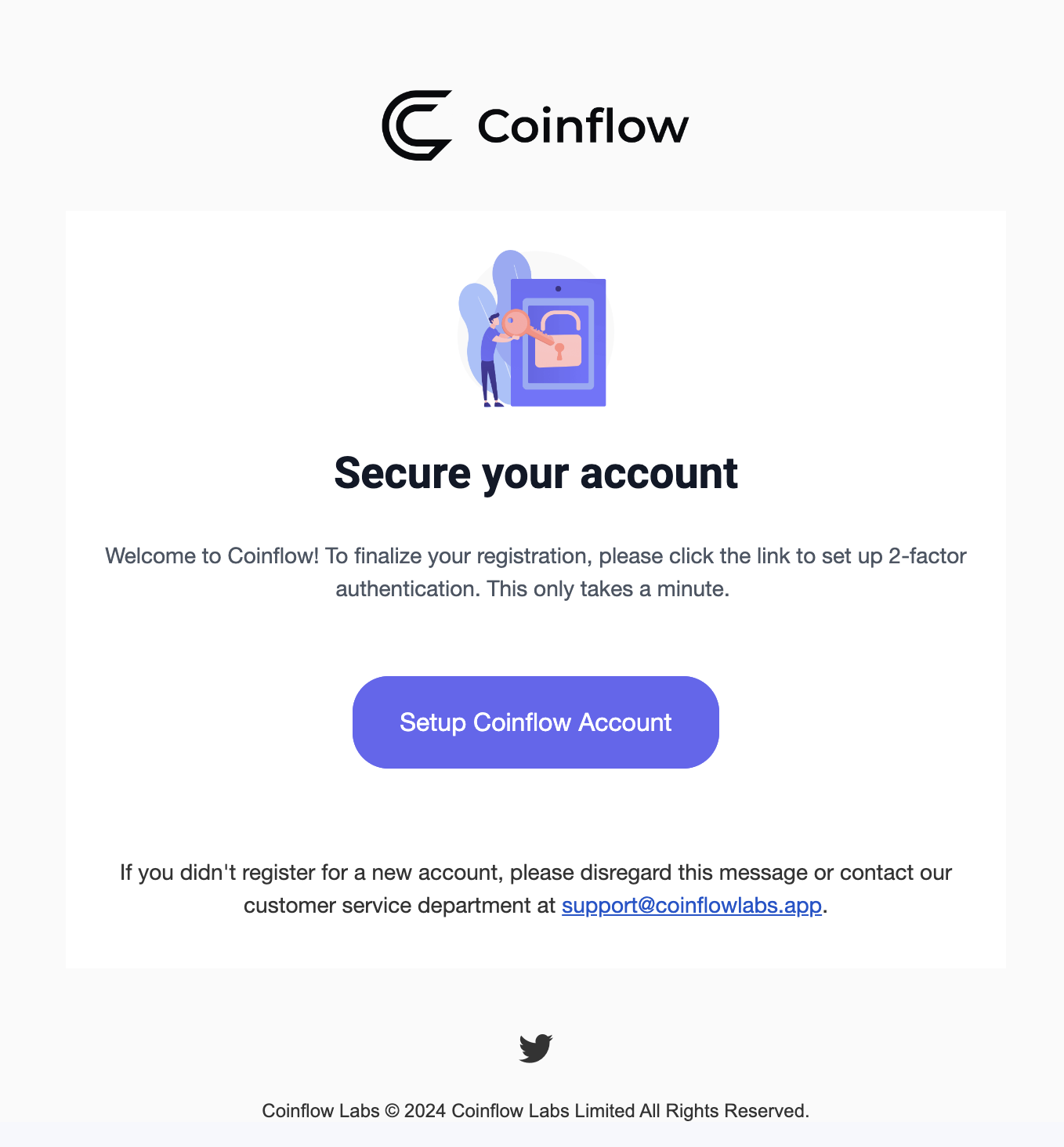
- Click 'Setup Coinflow Account'.
- Open Google Authenticator and scan the QR code.

- Create and confirm a new password.
- Enter the generated 2FA code and click 'Authenticate'.
- Use your email, password, and 2FA code for future logins.
Troubleshooting
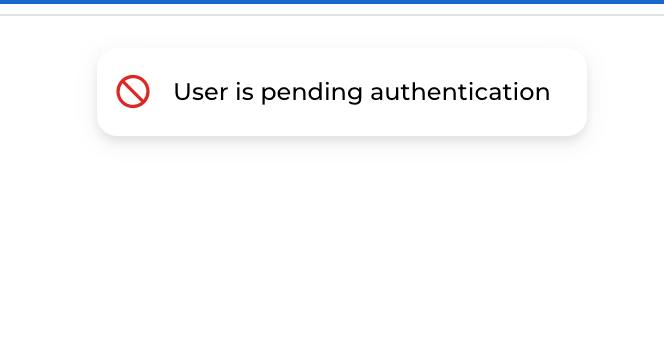
💡If you are trying to log in to your merchant account and see the following message: User is pending authentication, this means you haven't set up your user account.
💡If you are trying to log in to your merchant account and see a blank screen, try clearing your local storage first.
Updated 12 months ago